
What Actually Counts as Legacy Software
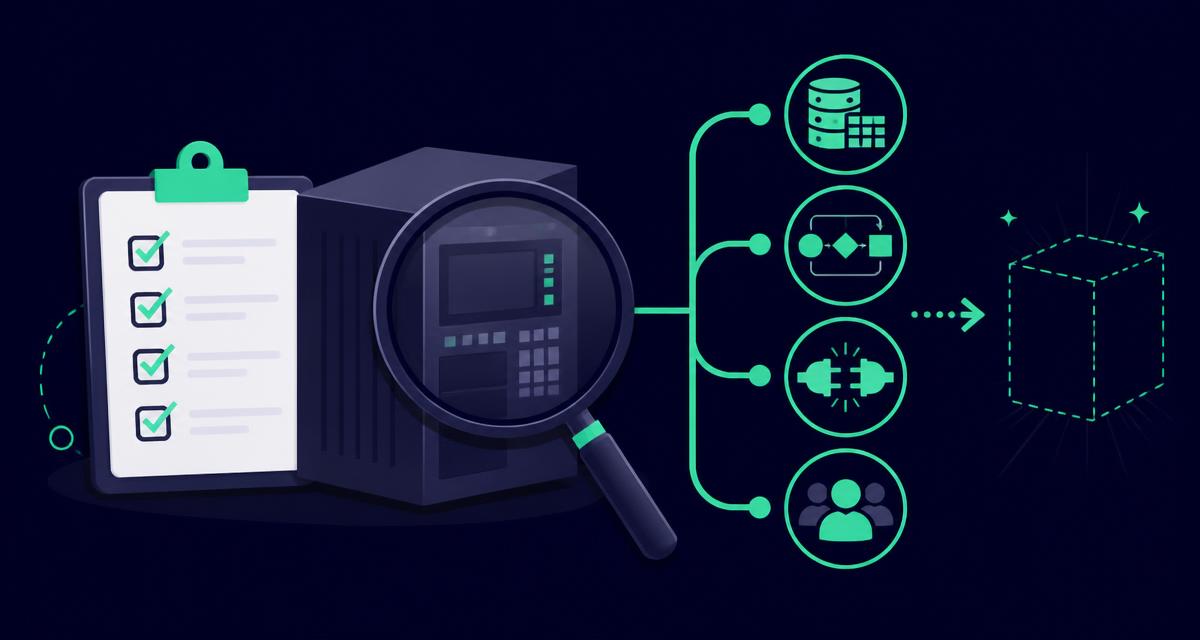
Legacy software isn't just an old system nobody wants to touch. It's any system where the gap between what it was built to do and what the business now needs from it has grown wide enough that people have started working around it rather than through it.
That can be a twenty-year-old ERP platform. It can just as easily be a five-year-old custom tool that was never updated as the business grew, or an off-the-shelf package so heavily customised that upgrading it safely is no longer straightforward. Age isn't the defining feature. The workarounds are.
The Checklist: What to Examine Before You Commit
Before replacing or rebuilding, four areas are worth examining properly, not just noting in passing.
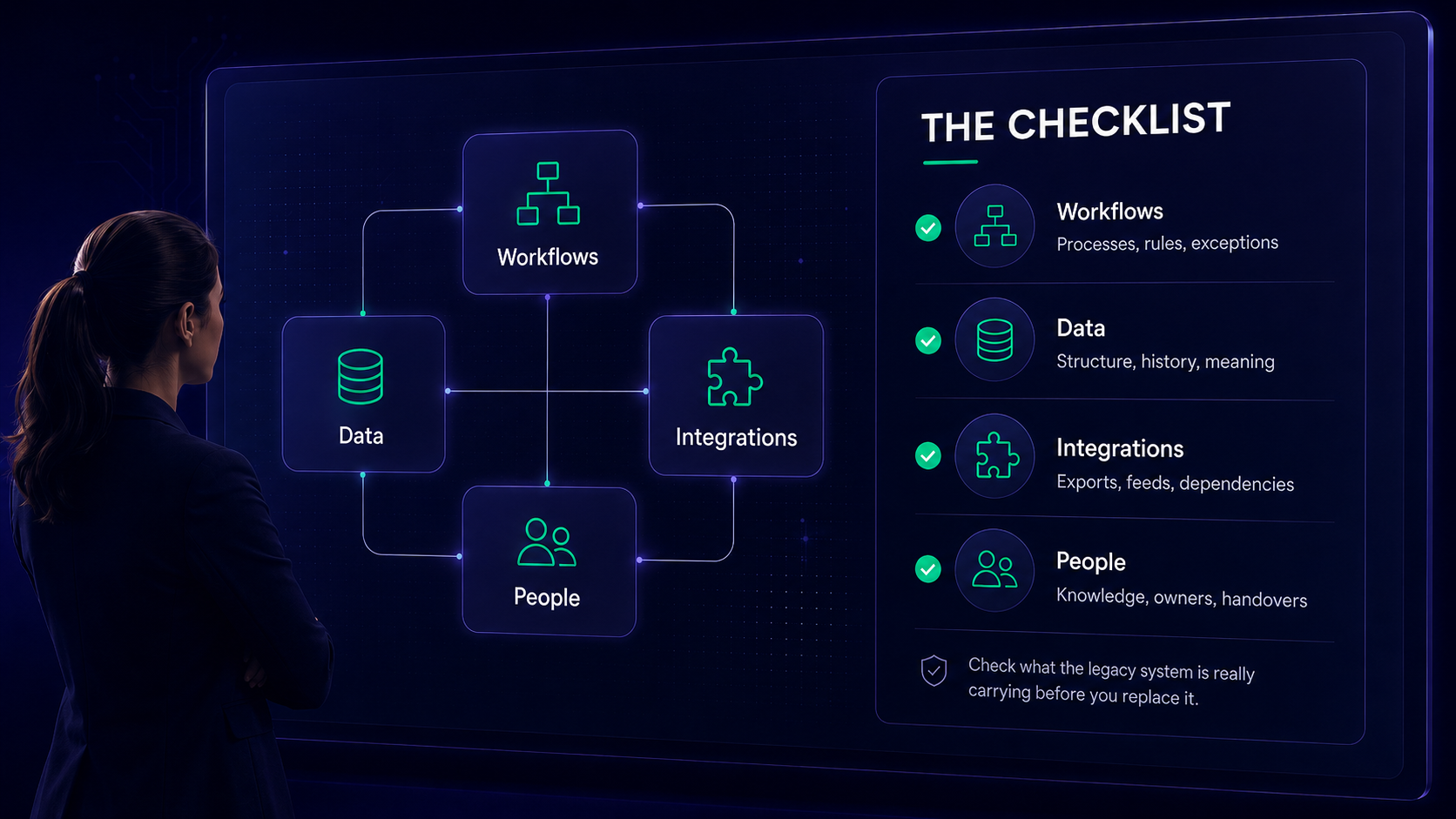
Workflows and business logic. Every business rule, exception and calculation that lives inside the current system needs to be identified, not assumed. If pricing has a manual override for a handful of long-standing accounts, that override needs to be documented and carried across, not rediscovered after go-live. This is often where Excel-based workarounds hide the logic that needs capturing.
Data and its history. Historical records often carry structure and meaning that isn't obvious from the fields alone. A field called "status" might mean five different things depending on when a record was created, and nobody may remember that until the migration breaks something.
Integrations. Most legacy systems have grown connections to other tools over time, some official, some informal. A scheduled export that feeds a supplier portal, built years ago and now maintained by nobody in particular, is exactly the kind of thing that gets missed until it stops working.
People and dependencies. Whoever has been quietly patching the system, extending the spreadsheet, or fielding the odd questions about how a report gets built, needs to be involved early. Their knowledge is part of the system, even though it was never written down as part of it.
Why Legacy Data Migration Trips Up Most Projects
Legacy data migration is usually treated as a technical task: extract, transform, load. In practice, it's a business knowledge task wearing technical clothing.
Years of records accumulate quirks. Fields get repurposed. Codes stop meaning what they originally meant. A customer record type used for a product line that was discontinued five years ago might still be active in the database, and someone needs to decide what happens to it before the migration script runs, not after.
This is why data migration so often runs over time and budget on legacy application modernisation projects. The technical work of moving data is usually well understood. The business work of deciding what that data actually represents is what gets underestimated.
What to Do With Modules Nobody Uses
Assessment also works in the other direction. Alongside finding what needs protecting, it's worth finding what doesn't need carrying forward at all.
Large systems, particularly older ERP platforms, tend to accumulate modules and functions that were switched on years ago and never switched off, even though nobody uses them. Rebuilding or migrating that functionality anyway, simply because it exists in the current system, adds cost and complexity for no operational benefit.
A short exercise usually surfaces this: for each major function in the current system, note who used it in the last twelve months, and how often. Anything with no recent use becomes a candidate for legacy system decommissioning rather than migration, which narrows the scope of the new system before development even begins.
Before You Commit
None of this tells you whether to replace, rebuild, or modernise in phases. What it does is make sure that whichever option you choose is based on what your system actually does, not just what it was originally built to do.
If you want a structured way to work through this in your own organisation, our free Legacy Self-Check walks through the same questions in ten minutes. We also cover this in more depth, with a live case study, in our upcoming webinar on legacy system risk assessment.