
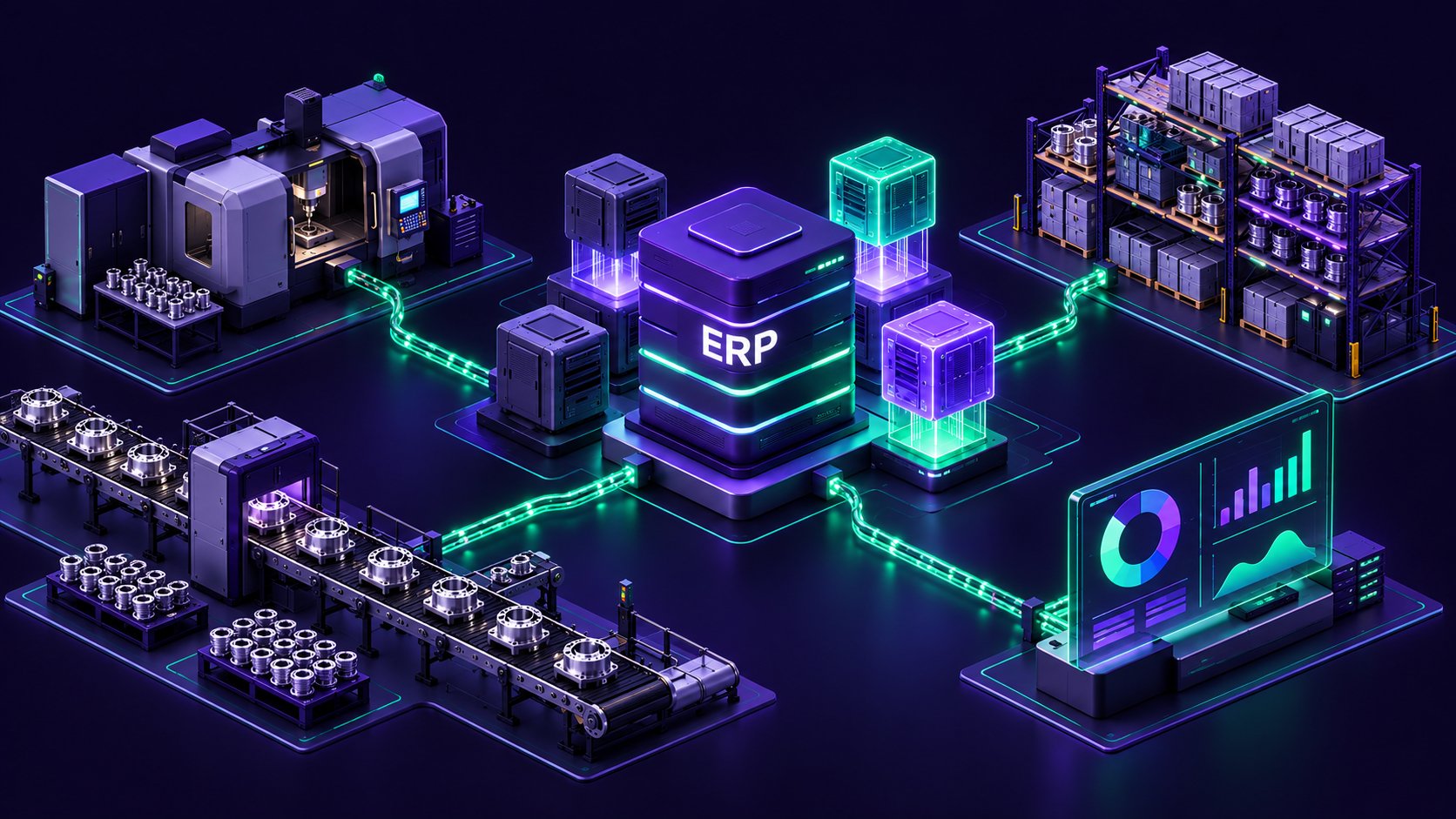
Then, usually without much warning, an outside event forces the question: a support deadline, the departure of someone who could configure the reporting, or growth that outpaces what the current setup was built to handle. For a specific group of manufacturers, this has already happened. Sage has ended support for the Manufacturing module within Sage 200, and businesses still relying on it are now facing a decision that was previously postponed.
This article looks at why manufacturing ERPs tend to age faster than other business systems, what the end of Sage 200 Manufacturing actually means in practice, and how to approach modernisation without simply swapping one ageing system for another.
Why Manufacturing ERPs Age Faster Than Other Systems
A manufacturing ERP system carries more weight than a general accounting package because it usually sits underneath bill of materials structures, work-in-progress tracking, capacity planning, and batch traceability, all of which tend to be built around how one specific business actually operates on the shop floor. A finance module can often be swapped for an equivalent with modest disruption, because double-entry accounting looks broadly similar everywhere. Production processes rarely do.
This means manufacturing modules get customised more heavily, and more often, than the finance side of the same system. Every customisation makes the next upgrade a little harder, and every year that upgrade gets deferred, the gap between the version in use and the version currently supported grows wider. Over time, the manufacturing side of the ERP often becomes the piece of the estate least likely to have been touched recently, because it was built most carefully around the business in the first place.
The result is a familiar pattern. The core accounting functions of an ERP for manufacturing stay reasonably current, because vendors and partners tend to prioritise the features every customer relies on, while the manufacturing-specific layer quietly falls further behind, until an external event forces the issue.
A Live Example: The End of Sage 200 Manufacturing
Sage 200 Manufacturing is a useful, concrete illustration of this pattern, because the dates involved are public and verifiable. Sage withdrew the module from sale in November 2020, moving it into extended support from January 2021. Sage's own published lifecycle policy confirms that this extended support period ended on 31 December 2025, and that the Manufacturing functionality was removed from the product entirely with the Sage 200 2025 R2 release.
Sage 200 Manufacturing lifecycle
- Step 1 · November 2020
Withdrawn from sale
Sage stops selling the Manufacturing module for Sage 200.
- Step 2 · 31 December 2025
End of support
The extended support period ends. No further patches or fixes.
- Step 3 · Sage 200 2025 R2
Functionality removed
Manufacturing functionality is removed from the product.
It is worth being precise about what this does and does not mean. Sage 200 as a whole is not end of life. As one independent Sage-focused consultancy has pointed out, Sage's published policy sets no end-of-life date for the wider Sage 200 product, only for individual versions and, in this case, one specific module. Businesses that run Sage 200 Manufacturing on an older version can generally keep using it for now, but without vendor patches, without testing against new versions of Windows or supporting infrastructure, and without any further development.
That is the part that matters beyond Sage specifically. The software does not stop working the day support ends; it simply stops being maintained, which means the risk of something breaking, at an inconvenient moment, increases with every passing month. Sooner or later, a legacy module that was merely old becomes an active operational risk, and the Sage 200 Manufacturing timeline is simply a dated, public example of a pattern that plays out across manufacturing ERP systems generally, regardless of vendor.
For some manufacturers, the fix here is a targeted one: a supported replacement for the manufacturing module alone, while the rest of the system stays as it is. Others, particularly those who have not reviewed their edition of Sage in some time, may find this is also a natural point to weigh up whether Sage 200 is still the right fit at all against a simpler product such as Sage 50, a comparison covered in more detail in our Sage 200 versus Sage 50 guide.
Signs Your ERP Has Become the Constraint
The end of a specific module's support is an obvious trigger, but it is rarely the only sign that an ERP has stopped fitting the business. A few patterns tend to show up well before any formal deadline arrives.
Production data often ends up living in a spreadsheet running alongside the official system, because the ERP was never set up to handle a particular process the business now relies on, and adapting the core system felt riskier than working around it. Reporting across multiple sites or legal entities gets pulled together manually each month, since the system was designed for a single site and never properly extended. Increasingly, the practical knowledge of how to configure and troubleshoot the system sits with one or two staff instead of being documented anywhere accessible.
A further sign is how much manual effort goes into connecting the ERP to anything modern. Ecommerce platforms, CRM systems, and business intelligence tools increasingly expect to exchange data automatically, and a system that can only manage this through manual export and import files is slowly setting a ceiling on how efficiently the wider business can operate, regardless of how well the ERP itself still performs its original job.
None of these signs alone calls for a full replacement. Together, though, they represent a cost nobody has actually measured: the hours spent working around the system rather than through it. That is worth putting a number on before deciding what, if anything, needs to change.
What "Modernisation" Can Actually Mean
Modernisation is not a single decision, and treating it as one tends to lead to the wrong choice made quickly. In practice, there are three broad routes, and the right one depends on whether the problem is contained to a specific module or spread across the wider system.
Targeted module replacement
- What changes
- One outdated module
- Best when
- The problem is contained; the rest of the system still works well.
- Disruption
- Lowest
Full migration
- What changes
- The whole ERP platform
- Best when
- Constraints run through the whole system, or the business has outgrown it.
- Disruption
- Highest
Staged approach
- What changes
- Specific processes
- Best when
- The stable core still earns its keep; a handful of processes have outgrown it.
- Disruption
- Moderate, spread over time
The first is a targeted upgrade within the existing ecosystem, replacing a single outdated module with a supported third-party alternative while keeping the rest of the system as it is. This is the route many Sage 200 users are currently considering for the manufacturing module specifically, since the core finance and operational functions around it may still be working perfectly well.
The second is a full migration to a different ERP platform. This is a larger undertaking, and it tends to make sense when the constraints are not limited to one module but run through the whole system, or when the business has grown well beyond what the current platform, and its underlying architecture, was ever designed to support. This is where broader manufacturing digital transformation conversations usually begin, since a full migration is as much about how the business wants to operate going forward as it is about replacing software.
The third is a staged approach: modernising specific processes onto current tools while keeping the stable core of the existing system in place for as long as it continues to earn its keep. This tends to suit businesses where the underlying system is not the problem so much as a handful of processes that have outgrown it, and it is often the most realistic manufacturing ERP solutions route for smaller manufacturers or ERP for SMEs, where a full platform migration would be disproportionate to the actual problem.
None of these three is automatically correct. The honest question to ask first is whether the issue is genuinely contained to one part of the system, or whether it is a symptom of a wider landscape that has been built around manual workarounds for years.
How to Avoid Replacing One Legacy System With Another
A support deadline creates real pressure to move quickly, and the quickest available option is often a like-for-like replacement from within the same vendor ecosystem, such as a third-party add-on that restores the missing functionality with minimal disruption. This can be entirely the right answer. It can also simply postpone the same conversation by a few years if it is chosen without asking why the system needed replacing in the first place.
Before committing to any option, it is worth asking a slightly different question to the obvious one. Rather than only asking what needs replacing, ask why the previous system stopped being sustainable, and whether the same underlying cause, heavy customisation, a single point of technical knowledge, or a process the software was never designed to support, is likely to show up again in the replacement within a few years.
A decision made purely against a deadline tends to optimise for speed of implementation over durability; a decision made with that second question in mind is more likely to actually resolve the underlying issue instead of simply relocating it, and it does not need to take much longer to reach. Often the difference is a single conversation before the decision is finalised.
Where to Start
The most useful starting point is not choosing a system; it is properly understanding the one already in place. A short, structured assessment of the current landscape, what data and processes actually depend on the legacy system, what absolutely needs to be preserved, and what could realistically be moved onto something else, gives a much clearer basis for choosing between the three routes above instead of reacting to a deadline alone.
This is also the point where it is worth being honest about scale. A single outdated module calls for a different response than an ERP environment that has quietly become the centre of a much wider legacy system modernisation problem, held together by manual processes and a small number of people who understand how it all fits together. Getting that distinction right before choosing a solution is what our legacy modernisation work with manufacturers usually starts with.
A useful assessment does not need to be lengthy to be useful. It needs to answer a small number of specific questions clearly: which processes genuinely depend on the current system, which data would be costly or risky to migrate, and which parts of the current setup are actually working well enough that they should be left alone rather than swept up into a wider project unnecessarily.